
Camera conditions change pore visibility, not your skin in that instant
Pores and normal skin texture create tiny differences in height, color and reflectance. Soft frontal light can flatten those differences; side light, overhead light or aggressive phone processing can emphasize them. Camera distance also changes facial perspective, so a close selfie is a poor baseline for judging subtle texture.
One photograph can still be useful — just not by itself. Repeat it under a controlled setup and compare the same zones. If the pattern remains in matched photos, it is more useful to track. If it disappears when the light or camera changes, the capture was doing much of the work.
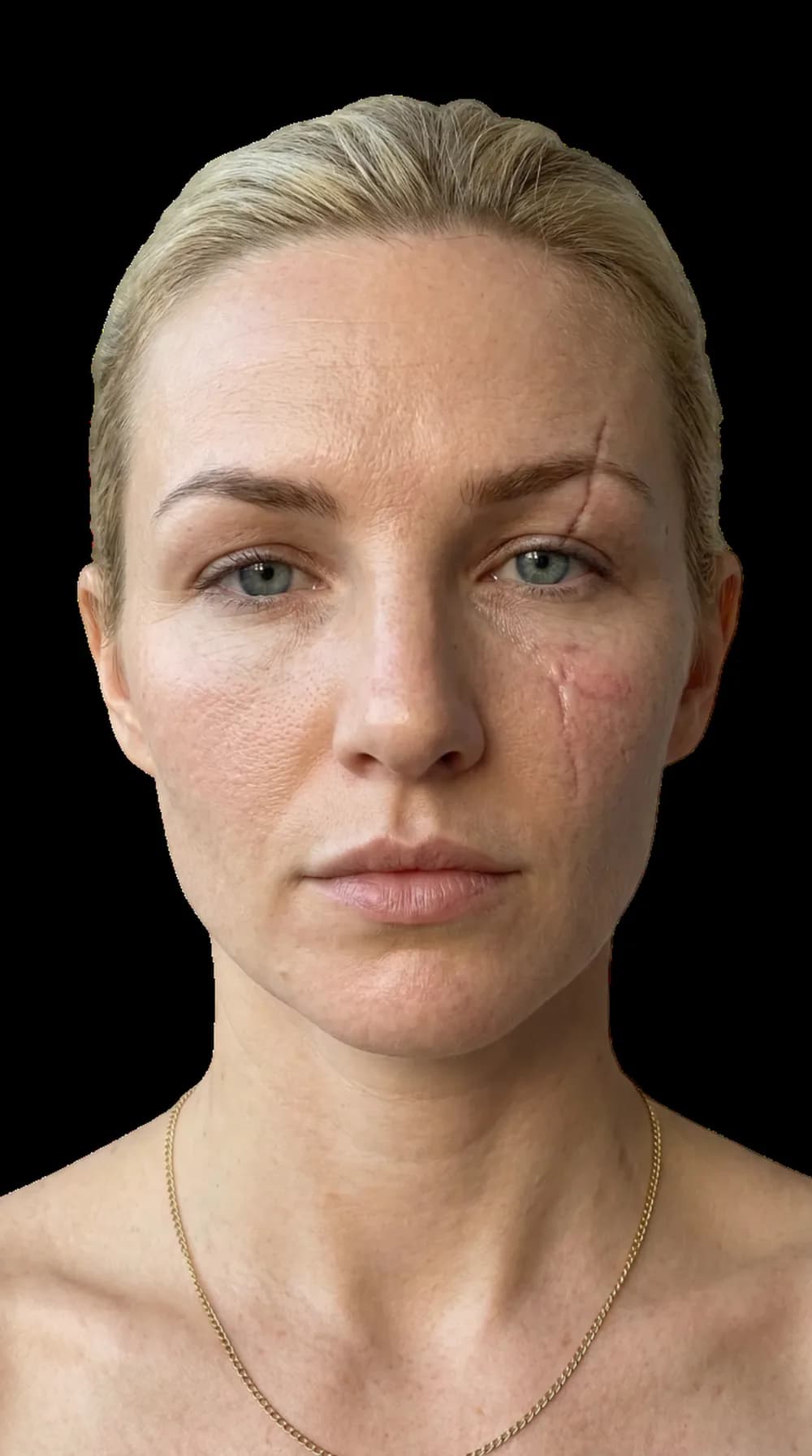
A scan starts with the pixels the camera captured, including its light, angle and processing.
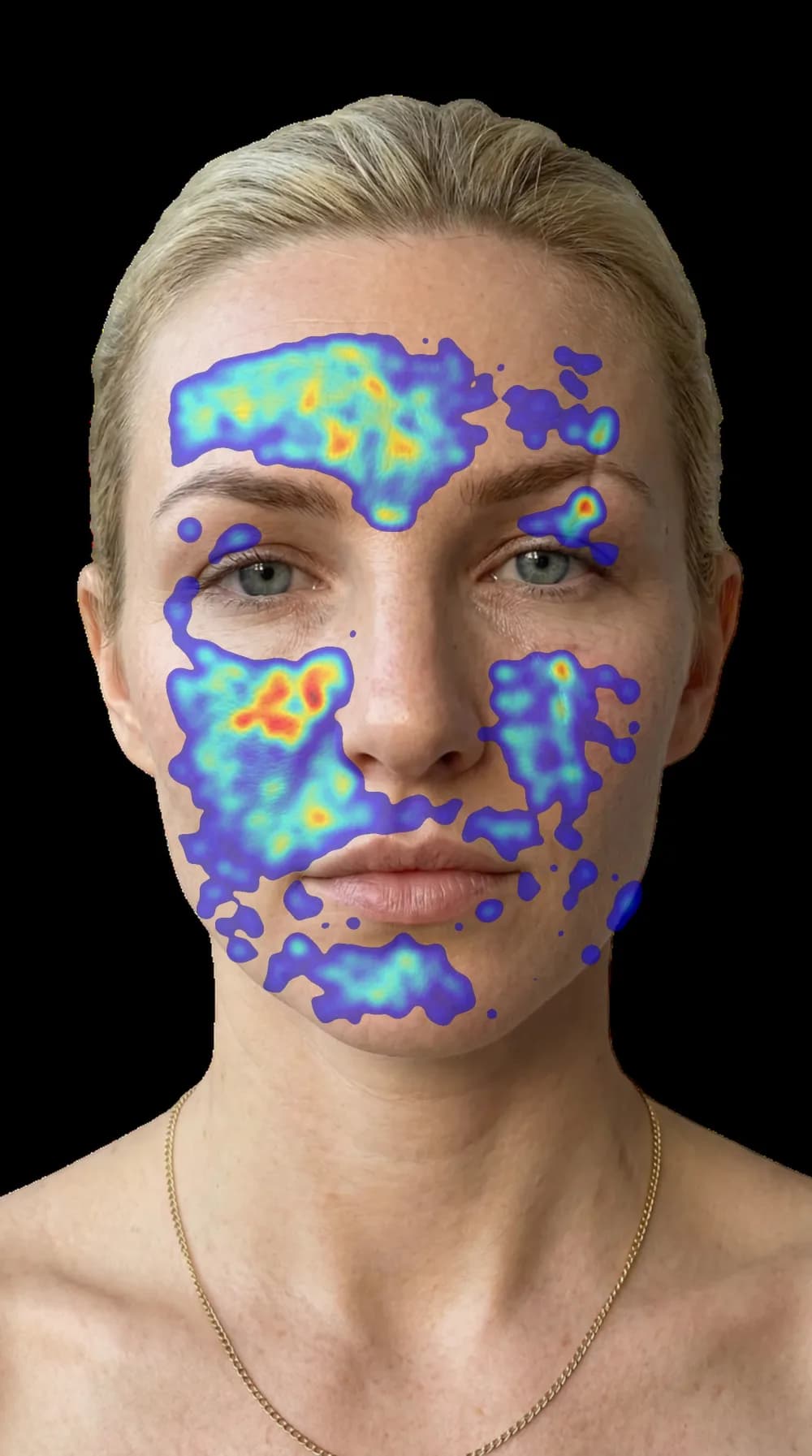
The map shows which areas drove the image-level signal; it is not a microscope or a diagnosis.
Four reasons pores look more obvious in one photo
Directional light creates micro-shadows
Light from above or the side catches raised and recessed texture differently. The same cheek can look smoother in broad frontal light and more textured when the light moves, even when the skin has not changed.
Close selfies change perspective
Camera distance changes the relative size of facial features. Research on short-distance portraits demonstrates measurable perspective distortion, which is why a close selfie should not be compared with a more distant portrait.
Phone processing changes local contrast
Photographic inference: HDR, sharpening, noise reduction, portrait mode and social-app processing can produce a different texture rendition because they alter the pixels being compared. The cited studies do not test individual phone pipelines, so compare original files from the same camera mode rather than treating this as a pore measurement.
Shine and surface finish change highlights
Fresh moisturizer, sunscreen, makeup, sweat and normal oil can change how the surface reflects light. That does not automatically mean the pore pattern itself changed.
Retake the photo, or compare the skin?
Check every variable that changed. This cannot diagnose a skin concern; it tells you whether the two photos are comparable enough to learn from.
Retake a comparable skin photo
- 1
Match the surface
Use bare, dry skin, or repeat the same product stage each time. Do not compare fresh moisturizer with a dry baseline.
- 2
Soften the light
Face a broad window or another even light source. Avoid direct sun, a single overhead bulb and a close flash.
- 3
Back the camera up
Use the same lens at roughly arm’s length or farther, keep it at eye height, and crop later instead of moving very close.
- 4
Lock the variables
Use the same camera app, mode, angle, expression and approximate time of day. Keep filters and beauty modes off.
How to read the comparison without overreacting
| What you see | Check the capture first | A more useful tracking signal |
|---|---|---|
| Texture appears only with flash | Repeat without flash in the same location | It remains in the same zone under matched soft light |
| One close selfie looks much rougher | Match lens and camera distance | Several matched photos show the same regional pattern |
| A social-app image differs from Camera Roll | Compare original, unedited files | The difference survives with processing held constant |
| Today looks worse than last month | Match time, products, makeup and angle | A repeated baseline changes in the same direction |
What a pore scan can show
- • Where pore-like texture is most visible in the uploaded frame
- • A face-zone heatmap for the forehead, nose, cheeks and chin
- • A baseline to repeat under similar capture conditions
What it cannot show
- • The three-dimensional anatomy of a pore
- • A medical diagnosis or the cause of a skin change
- • Whether two unmatched photos represent real progress
Questions about pores in photos
Can a phone camera make pores look bigger?
It cannot physically change a pore, but it can make texture more visible. Close distance, directional light, flash, sharpening and local contrast can all change how strongly small shadows and highlights appear.
Why do pores look worse with flash?
A near-lens flash changes the balance of highlights and shadows and can make reflective or textured areas read differently from soft, even light. Compare matched photos before treating that difference as a skin change.
Which photo should I trust?
Trust a repeated pattern more than one flattering or unflattering frame. Use the same camera, mode, distance, angle and soft light, then compare the same facial zones across more than one session.
Can an AI pore scan diagnose a skin condition?
No. A photo tool can map visible pore-like texture in that image. It cannot inspect skin in three dimensions or diagnose a medical condition, and its output still depends on capture quality.
Map where pore visibility appears
Try the standalone pore-visibility scan without an email or signup. It maps texture in your photo, so keep the lighting and distance consistent. The optional full report adds a wider analysis and a plan.
Try the Free Pore ScanSources and limits
These sources support the effects of camera distance, light angle and the standardized measurement of visible facial pores. The phone-processing point above is a photographic inference, not a result directly tested by these papers. The sources do not validate a diagnosis from a consumer selfie, and GlowUp Face does not use them to claim one.
- 1. Nasal Distortion in Short-Distance Photographs: The Selfie Effect — Ward et al., JAMA Facial Plastic Surgery (2018)
- 2. The Influence of Different Light Angles During Standardized Patient Photographic Assessment on the Aesthetic Perception of the Face — Aesthetic Plastic Surgery (2021)
- 3. Effect of Camera Distance and Angle on Color of Diverse Skin Tone-Based Standards in Smartphone Photos — Cronin et al., Journal of Biomedical Optics (2023)
- 4. Facial Skin Pores: A Multiethnic Study — Clinical, Cosmetic and Investigational Dermatology (2015)